This quick shortcut makes it easy to access the item for review or to make needed changes.
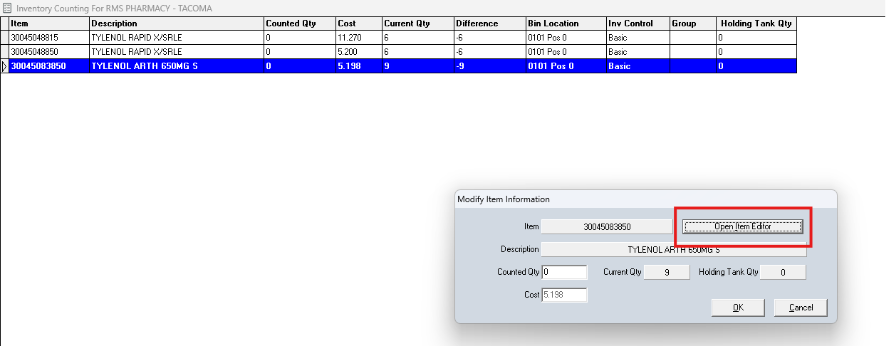
Select an item in the Inventory Counting screen grid and hit enter or double-click, and the Modify Item Information pop-up window will appear. Click the Open Item Editor button as shown in the screenshot below to access the item for review or to make needed changes.